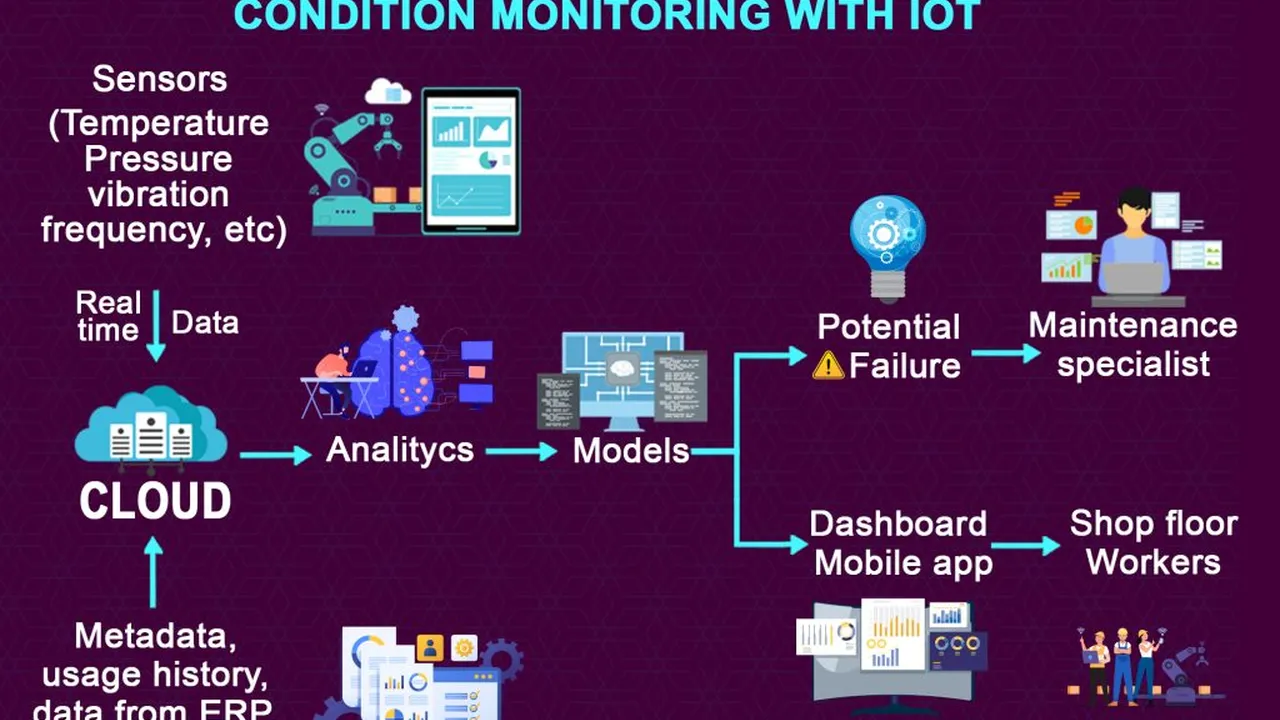
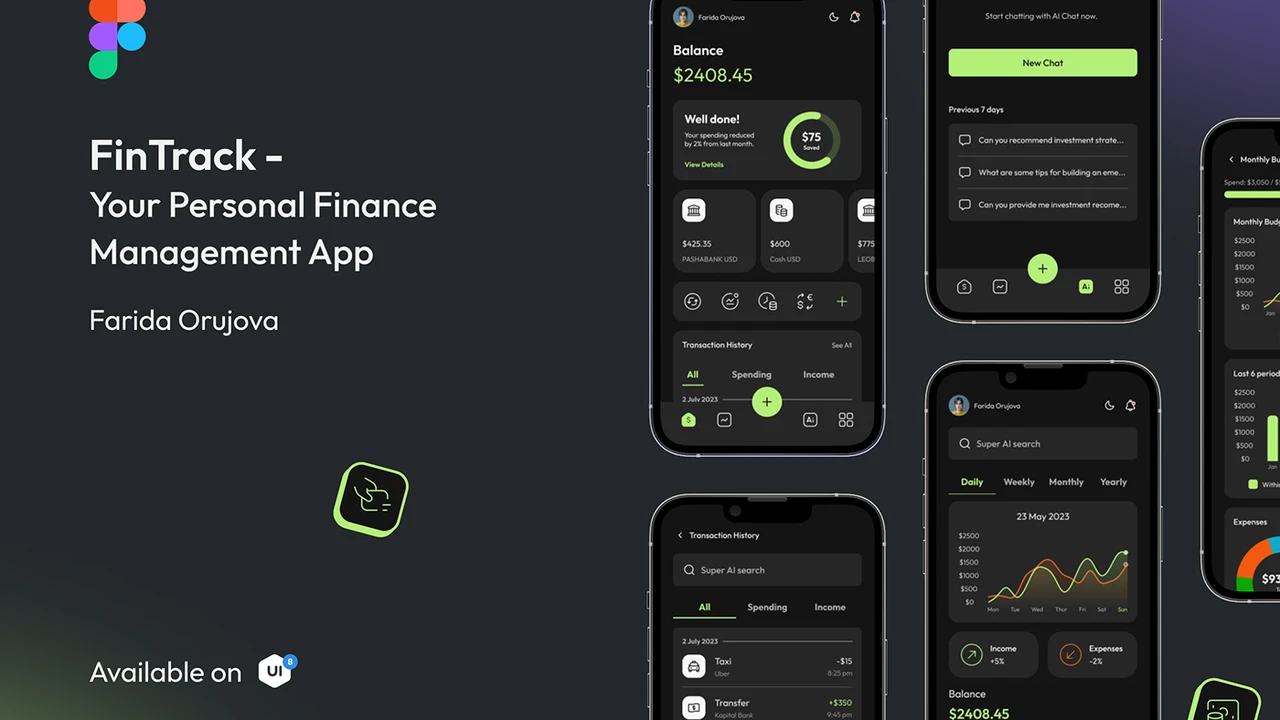
Streamline your video editing process with AI tools that automate tasks, add effects, and enhance video quality.
Streamline your video editing process with AI tools that automate tasks, add effects, and enhance video quality. If you're a content creator, whether you're making YouTube videos, TikToks, Instagram Reels, or even professional corporate content, you know how time-consuming video editing can be. It's not just about cutting clips; it's about color grading, adding effects, finding the right music, generating subtitles, and so much more. What if I told you that artificial intelligence is here to make your life a whole lot easier? AI-powered video editing tools are no longer a futuristic dream; they're a present-day reality, transforming how creators approach their craft.
AI Powered Video Editing for Content Creators
Why AI Video Editing is a Game Changer for Content Creators
Let's be real, traditional video editing software can have a steep learning curve. You need to understand timelines, keyframes, color wheels, and a myriad of other complex features. For many content creators, especially those just starting out or running a small business, dedicating hours to mastering these tools isn't always feasible. This is where AI steps in. AI video editing tools are designed to automate many of the mundane, repetitive, and technically challenging aspects of video production. Think about it: automatically removing background noise, generating captions, suggesting optimal cuts, or even creating entire video drafts from text. This isn't just about saving time; it's about democratizing video creation, allowing more people to produce high-quality content without needing a film school degree or a massive budget.
For small businesses and individual creators, time is money. Every hour spent manually editing is an hour not spent on content strategy, audience engagement, or business development. AI tools can significantly reduce the time spent in post-production, allowing you to churn out more content, maintain consistency, and stay relevant in a fast-paced digital world. Plus, they often come with features that enhance video quality, making your content look more professional and polished, which can be a huge boost for your brand image.
Key Features and Benefits of AI Video Editing Software
So, what exactly can these AI tools do? The capabilities are constantly expanding, but here are some of the most impactful features you'll find:
Automated Editing and Smart Cuts for Faster Workflow
Imagine uploading your raw footage and having an AI suggest the best cuts, remove filler words, or even create a highlight reel automatically. Many AI video editors can analyze your footage for key moments, facial expressions, and audio cues to intelligently piece together a coherent narrative. This is a massive time-saver, especially for vlogs, interviews, or event coverage where you have hours of footage to sift through.
AI Powered Color Correction and Grading for Visual Enhancement
Getting your colors just right can be tricky. AI tools can analyze your footage and automatically apply color corrections to ensure consistency and a professional look. Some even offer AI-powered color grading suggestions based on the mood or style you're aiming for, taking the guesswork out of a complex process.
Automatic Subtitle Generation and Translation for Accessibility and Reach
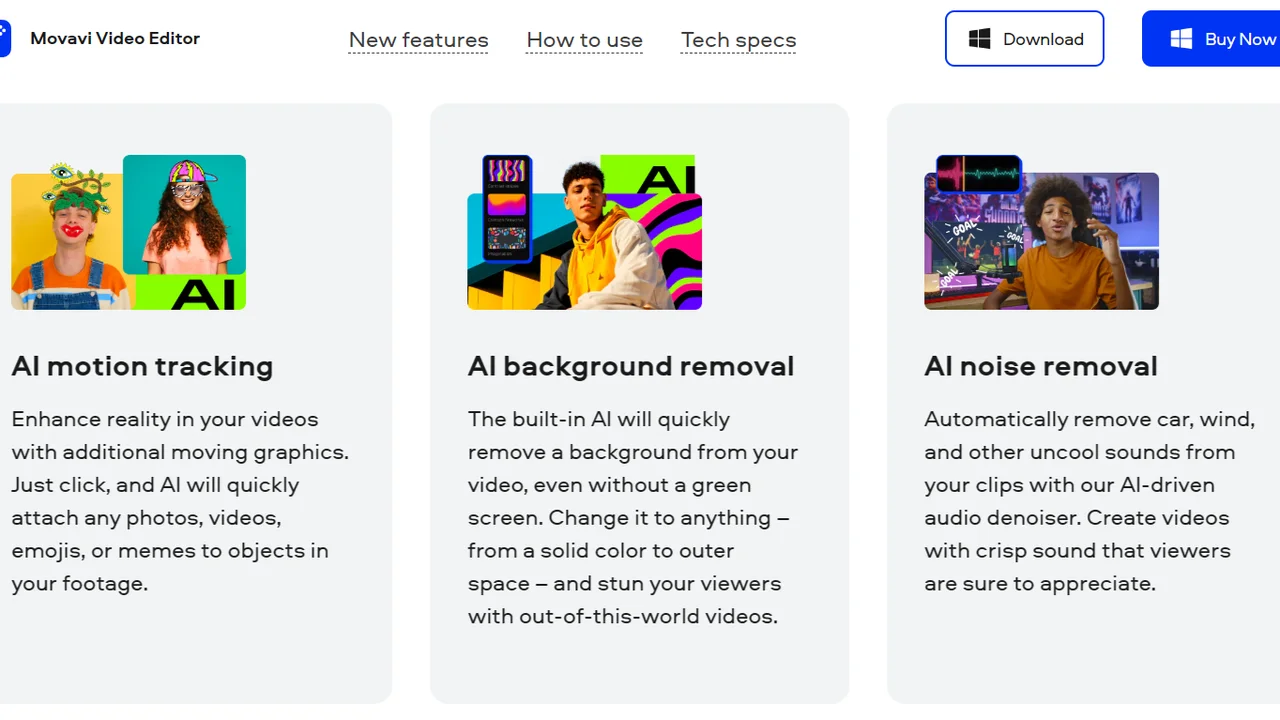
Accessibility is crucial, and subtitles are a must-have for many viewers. AI can automatically transcribe your audio into text and generate accurate subtitles in seconds. What's more, many tools can then translate these subtitles into multiple languages, significantly expanding your content's reach to a global audience. This is a huge win for SEO too, as search engines can index your video content more effectively.
Background Noise Reduction and Audio Enhancement for Clear Sound
Poor audio quality can ruin an otherwise great video. AI tools are incredibly good at identifying and removing background noise, echo, and other audio imperfections. They can also enhance speech clarity, ensuring your message comes across loud and clear, even if your recording environment wasn't perfect.
AI Driven Special Effects and Transitions for Creative Flair
Want to add a cool transition or a subtle visual effect but don't know how? AI can suggest and even apply effects based on your video's content and desired style. Some advanced tools can even generate unique visual elements or animate objects within your video, opening up new creative possibilities without requiring advanced VFX skills.
Smart Object Tracking and Masking for Dynamic Visuals
Tracking objects or faces in a video for effects or blurring can be tedious. AI can automatically track subjects, allowing you to apply masks, effects, or text that move seamlessly with the object, adding a dynamic and professional touch to your videos.
Content Repurposing and Resizing for Multi Platform Distribution
Creating content for different platforms (YouTube, Instagram, TikTok) often means resizing and reformatting. AI tools can intelligently reframe your videos for various aspect ratios, ensuring your content looks great everywhere without manual cropping and adjustments.
Top AI Video Editing Tools for Content Creators and Small Businesses
Alright, let's dive into some specific tools that are making waves in the AI video editing space. Keep in mind that the market is evolving rapidly, so new players and features are always emerging!
Descript The All in One Audio and Video Editor
Descript is a fantastic tool that blurs the lines between audio and video editing. Its killer feature is its text-based editing. You edit your video by editing the transcript, which is incredibly intuitive. If you delete a word in the transcript, it deletes that word from the audio and video. It's like editing a document!
* Key Features: Text-based video editing, automatic transcription, 'Overdub' (AI voice cloning to correct mistakes), filler word removal, screen recording, podcast editing, automatic eye contact correction, green screen effects.
* Use Cases: Perfect for YouTubers, podcasters, online course creators, and anyone who does a lot of interview-style content or needs accurate captions. Great for quickly cleaning up spoken content.
* Pricing: Offers a free tier with limited transcription hours. Paid plans start around $12/month (billed annually) for Creator, offering more transcription hours and advanced features. Pro plans are around $24/month (billed annually) for even more robust capabilities.
* Comparison: Descript stands out with its unique text-based editing. While other tools offer transcription, Descript integrates it directly into the editing workflow, making it incredibly efficient for dialogue-heavy content. It's less about complex visual effects and more about streamlining spoken word content.
RunwayML The Creative AI Suite for Visuals
RunwayML is a powerhouse for AI-generated visuals and effects. It's more geared towards creative experimentation and generating entirely new visual elements using AI. Think of it as a creative AI studio rather than just an editor.
* Key Features: Text-to-video generation, image-to-video, inpainting (removing objects from video), outpainting (expanding video frames), green screen removal, motion tracking, super slow-motion, AI magic tools for various visual effects.
* Use Cases: Ideal for experimental filmmakers, visual artists, marketers looking to create unique ad creatives, and content creators who want to push the boundaries of visual storytelling. Great for generating B-roll or unique visual assets.
* Pricing: Has a free tier with limited credits and export resolution. Paid plans start at $15/month (billed annually) for Standard, offering more credits and higher resolution exports. Pro and Unlimited tiers offer even more extensive features and usage.
* Comparison: RunwayML is distinct from Descript as it focuses heavily on generative AI for visuals. While Descript helps you edit existing footage efficiently, RunwayML helps you create new visual elements or manipulate existing ones in ways that would be impossible or extremely time-consuming with traditional tools. It's more about AI as a creative partner.
Pictory AI The Fast Video Creator from Text
Pictory AI is designed for speed, especially if you're starting with text. It's excellent for turning blog posts, articles, or scripts into engaging videos with minimal effort. It's less about detailed editing and more about rapid video generation.
* Key Features: Script to video, article to video, edit videos using text, automatic captioning, automatic summarization, access to millions of stock media assets (images, videos, music).
* Use Cases: Perfect for bloggers, marketers, educators, and small businesses who need to quickly convert written content into video format for social media, presentations, or educational purposes. Great for repurposing existing content.
* Pricing: Offers a free trial. Paid plans start around $19/month (billed annually) for Standard, offering more video hours and features. Premium and Teams plans are available for higher volume needs.
* Comparison: Pictory AI excels at transforming text into video quickly. Unlike Descript which focuses on editing spoken word, or RunwayML which is about generative visuals, Pictory's strength lies in its ability to automate the creation of entire videos from written content, making it a go-to for content repurposing and quick video production.
CapCut The Mobile First AI Editor for Social Media
While CapCut has a desktop version, it's primarily known as a powerful, free mobile video editor with strong AI features, especially popular among TikTok and Instagram creators.
* Key Features: Auto-captions, auto-cut, background removal, body effects, facial retouching, text-to-speech, vast library of templates, music, and effects, smart tracking.
* Use Cases: Essential for social media content creators, influencers, and small businesses focusing on short-form video content for platforms like TikTok, Instagram Reels, and YouTube Shorts. Its ease of use and mobile-first approach make it incredibly accessible.
* Pricing: Mostly free, with some premium features and assets available through CapCut Pro subscription, which is generally very affordable (around $7.99/month or $74.99/year).
* Comparison: CapCut's strength is its accessibility and mobile-first design, making it incredibly popular for quick, trendy social media videos. While it might not have the deep generative AI capabilities of RunwayML or the text-based editing of Descript, its AI features are highly practical for social media, offering quick enhancements and effects that resonate with current trends.
Adobe Premiere Pro with AI Features The Professional Standard
While not purely an AI editor, Adobe Premiere Pro has been integrating more and more AI-powered features, making it a hybrid solution for professionals who want the best of both worlds.
* Key Features: Speech-to-text for automatic transcription and captioning, Remix (AI-powered music re-timing), Auto Reframe (intelligently reframes video for different aspect ratios), Scene Edit Detection, Warp Stabilizer, Lumetri Color panel for advanced color grading.
* Use Cases: Professional video editors, production houses, and advanced content creators who need a comprehensive suite of tools with AI enhancements. Ideal for complex projects requiring precise control alongside AI assistance.
* Pricing: Part of Adobe Creative Cloud, typically around $20.99/month for a single app subscription (billed annually) or $54.99/month for the entire Creative Cloud suite.
* Comparison: Premiere Pro offers the most comprehensive traditional editing capabilities, augmented by AI. It's for those who need granular control over every aspect of their edit but appreciate AI for automating specific tasks like transcription or re-timing music. It's a more robust, professional-grade solution compared to the more specialized AI tools.
Choosing the Right AI Video Editor for Your Needs
With so many options, how do you pick the right one? It really boils down to your specific needs, budget, and the type of content you create.
Consider Your Primary Content Type and Workflow
* Dialogue-heavy content (interviews, podcasts, vlogs): Descript is likely your best bet due to its text-based editing and excellent transcription.
* Visual experimentation and generative art: RunwayML will open up a world of creative possibilities.
* Repurposing text into video quickly: Pictory AI is designed for this exact purpose.
* Short-form social media videos: CapCut's mobile-first approach and trendy features make it a strong contender.
* Professional, complex projects needing full control with AI assistance: Adobe Premiere Pro is the industry standard for a reason.
Budget and Learning Curve Considerations
* Free or low-cost options: CapCut (mostly free), Descript (free tier), RunwayML (free tier) are great starting points.
* Ease of use: Descript, Pictory AI, and CapCut generally have lower learning curves compared to a professional NLE like Premiere Pro.
* Investment for professional use: Premiere Pro requires a subscription but offers unparalleled depth.
Integration with Existing Tools and Platforms
Think about your current workflow. Do these AI tools integrate with your cloud storage, project management tools, or social media platforms? Seamless integration can save you even more time.
Tips for Maximizing Your AI Video Editing Experience
Just because AI is doing some heavy lifting doesn't mean you can just sit back and relax. Here are some tips to get the most out of these powerful tools:
Start with High Quality Source Material
Garbage in, garbage out. Even the best AI can only do so much with poorly recorded footage or audio. Invest in good lighting, a decent microphone, and stable camera work. This will give the AI the best possible foundation to work with.
Understand the AI Limitations and Review Outputs
AI is smart, but it's not perfect. Always review the AI's suggestions, transcriptions, and edits. Auto-captions might have errors, smart cuts might miss a nuance, and color corrections might not perfectly match your artistic vision. Use AI as an assistant, not a replacement for your creative judgment.
Experiment with Different Tools and Features
Don't be afraid to try out different AI tools. Many offer free trials or free tiers. What works for one project might not be ideal for another. Experiment to find the features that truly enhance your specific workflow.
Combine AI Tools for a Hybrid Workflow
You don't have to stick to just one tool. You might use RunwayML to generate a unique visual effect, then bring that into Descript for text-based editing and captioning, and finally do your final polish in Premiere Pro. A hybrid approach can often yield the best results.
Stay Updated with New AI Developments
The field of AI is moving incredibly fast. New features and even entirely new tools are emerging constantly. Keep an eye on industry news, follow AI tech blogs, and watch tutorials to stay ahead of the curve and leverage the latest innovations.
The Future of Video Editing with Artificial Intelligence
The trajectory of AI in video editing is exciting. We're likely to see even more sophisticated automation, where AI can understand complex narratives, generate entire scenes from text prompts with photorealistic quality, and even adapt editing styles based on audience engagement data. Imagine an AI that can analyze your audience's viewing habits and automatically optimize your video's pacing and cuts for maximum retention. We're also moving towards more personalized content creation, where AI can tailor videos to individual viewers. The line between human creativity and AI assistance will continue to blur, empowering creators to focus on the big ideas while AI handles the intricate details. It's an exciting time to be a content creator, and AI is undoubtedly going to be a key partner in shaping the future of video.
:max_bytes(150000):strip_icc()/277019-baked-pork-chops-with-cream-of-mushroom-soup-DDMFS-beauty-4x3-BG-7505-5762b731cf30447d9cbbbbbf387beafa.jpg)